Search Bar
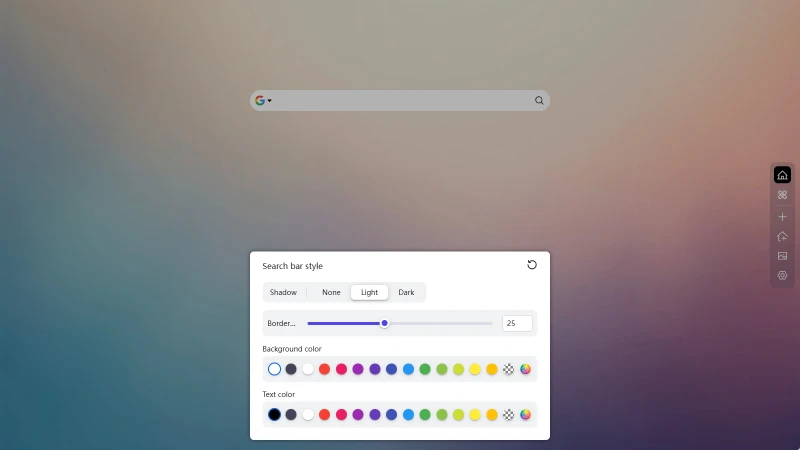
Powerful yet simple search bar functionality, integrating multiple search engines in one place, easy to switch, and customizable search engines and search bar appearance.
Switch Search Engine
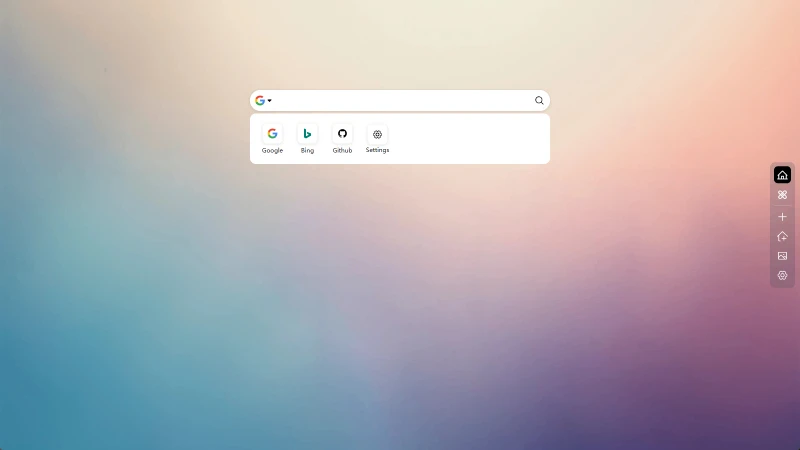
Click on the search engine icon in the search bar, then click on the corresponding search engine in the dropdown to switch.
Set Search Engine
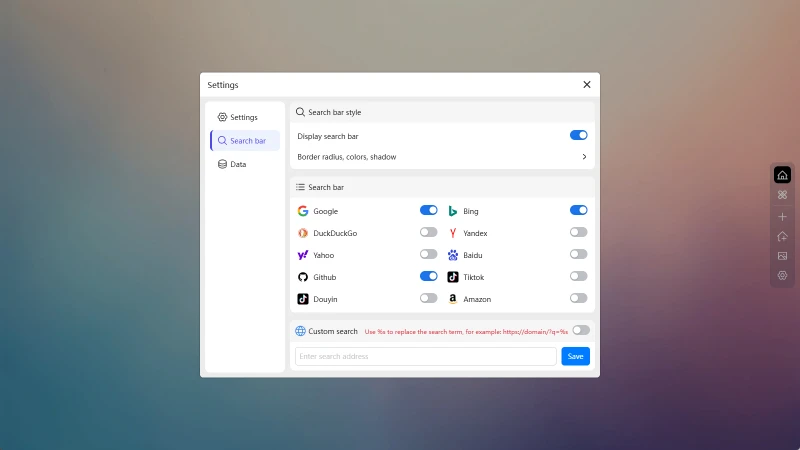
In the Search Bar Tab, you can see the built-in search engine list. Click on the toggle to add or remove search engines from the list.
You can also set your own search engine in Custom search.
Search Bar Settings
You can modify the appearance of the search bar in the Search Bar Tab in the global settings.
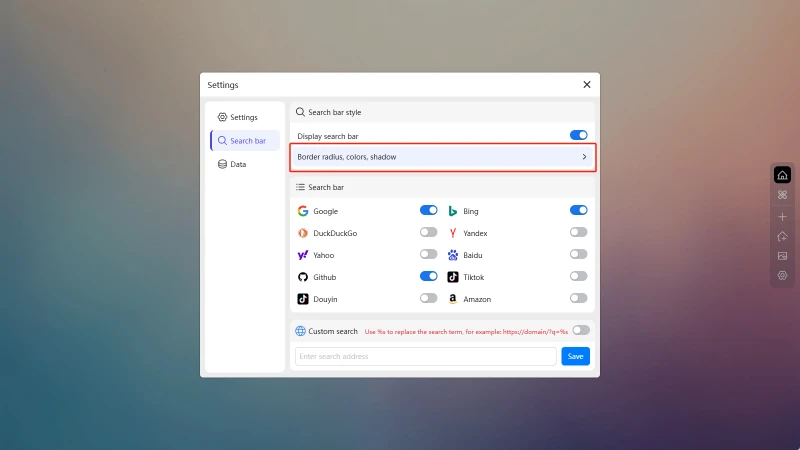
Adjust search bar borders, shadows, and text color.