Component
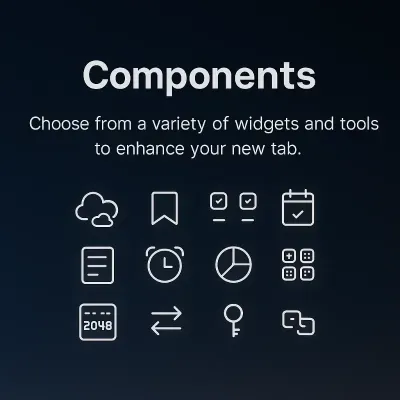
OpenNewTab offers a variety of functional components. Users can choose which content modules to display on the new tab page according to their needs and sort them by dragging the components.
Add Component
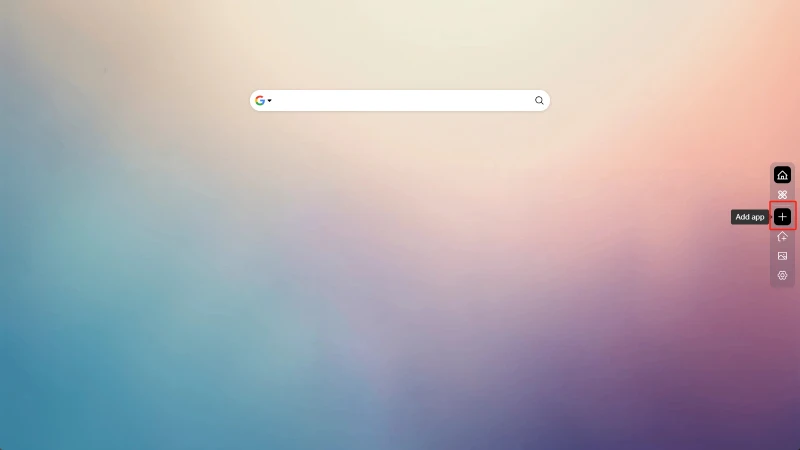
Click on the Add App button on the sidebar
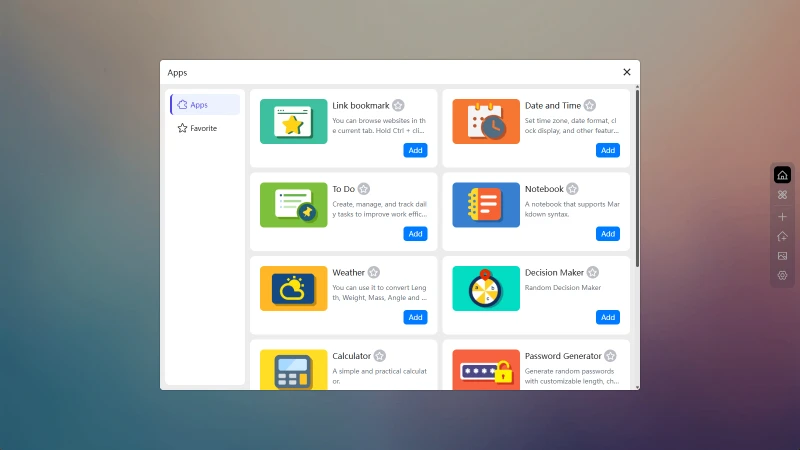
Then click the Add button for the corresponding component
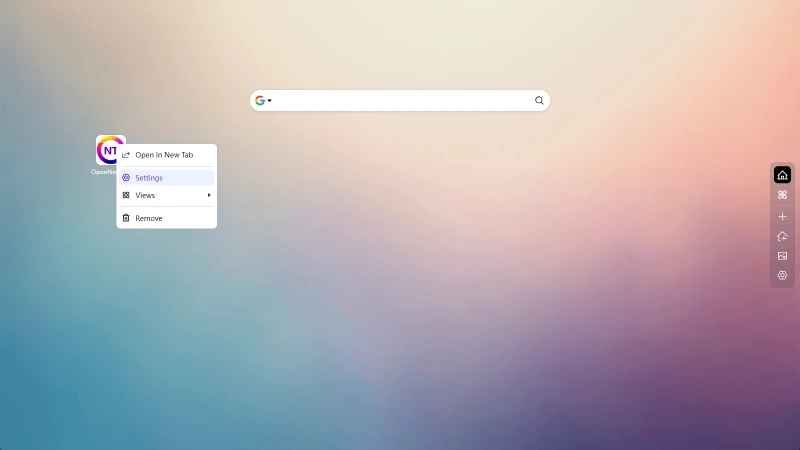
Edit Component
Right-click on the component icon, then click Settings
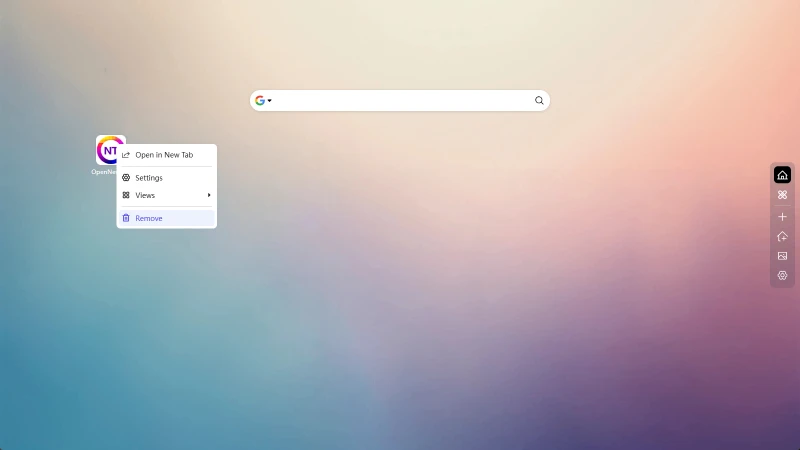
Delete Component
Right-click on the component icon, then click Delete
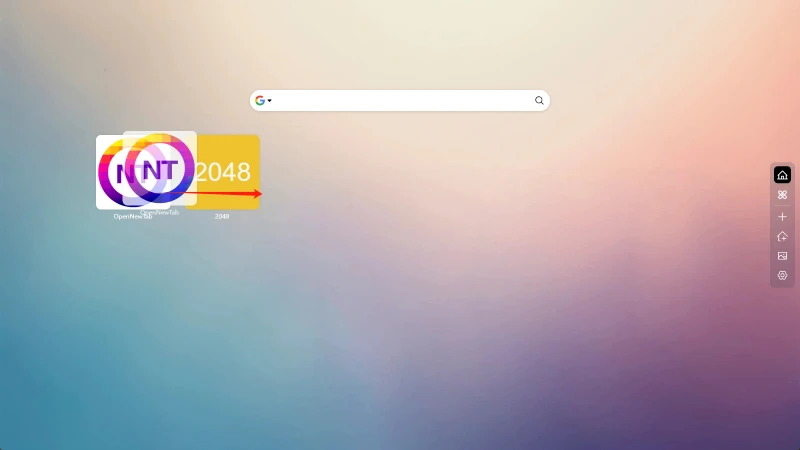
Component Sorting
Hold down the left mouse button on the component icon and drag to sort
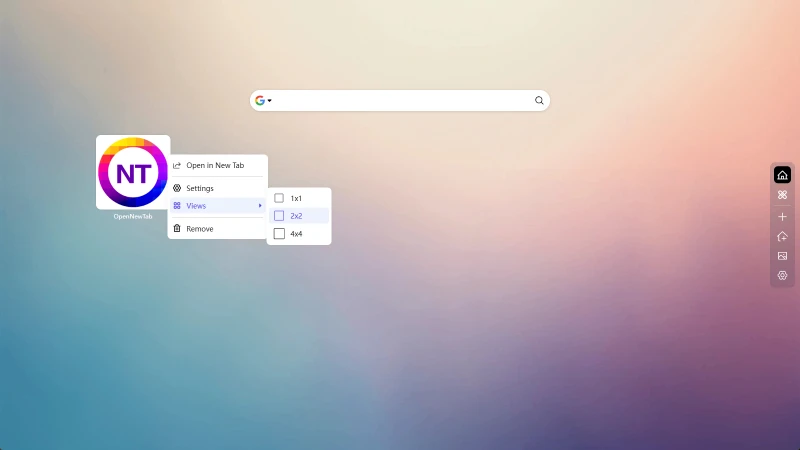
Component Size
We have set several sizes for the components. Just right-click on the component icon, click View, and then select the size
Component Settings
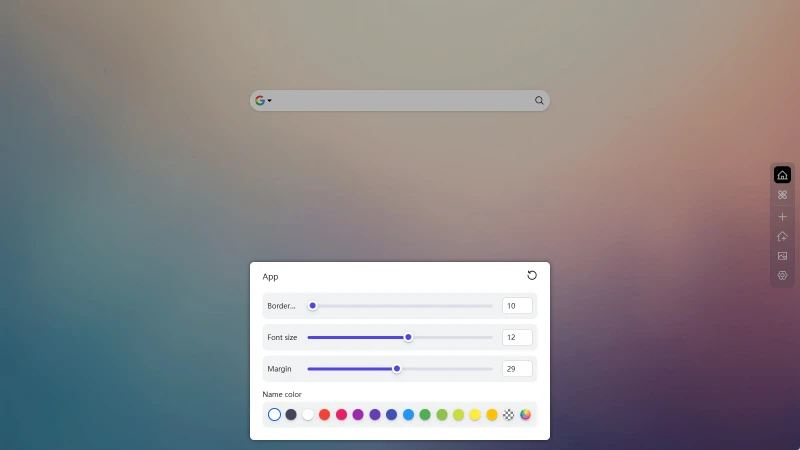
You can modify the global settings of the components in the App tab in the global settings, such as show/hide components, show/hide component names, disable sorting, and appearance adjustments.
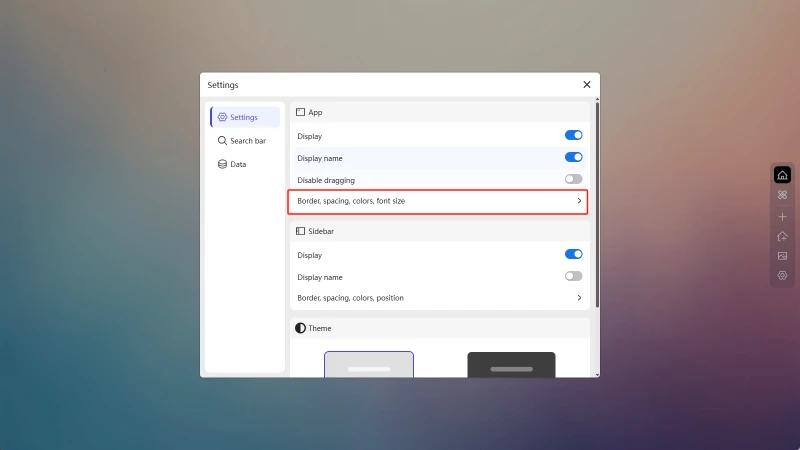
Adjust component borders, spacing between components, text size of component names, and text color.