
Edge Extension
With just a few steps, you can install and use OpenNewTab in the Edge browser, enhancing your efficient new tab page experience.
OpenNewTab Edge Installation Guide
-
Open the Extensions page
On the Extensions page, click on Get.
-
Install the Extension
Click on Add Extension in the popup window.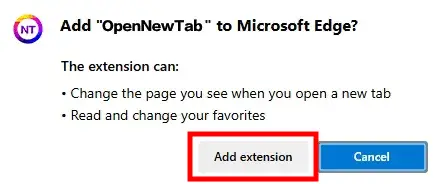
-
Enable the Extension
After installation, a prompt will appear asking whether to enable the extension. Click Turn on or enter edge://extensions/ in the address bar to go to the extensions management page.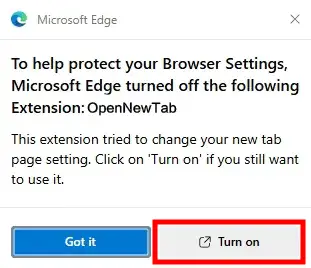 Click the toggle to enable OpenNewTab.
Previous
Next